Topic: apple certificate

Description​

Commands in the apple certificate topic are prefixed shipthis apple certificate. These commands relate to iOS Distribution Certificates within your Apple Developer account.

info

An iOS Distribution Certificate is used to authenticate and authorize the distribution of iOS apps, ensuring they are signed and trusted for installation on devices or submission to the App Store.

ShipThis uses this certificate on our cloud-build servers when compiling new builds of your game.

tip

You will need to be authenticated against ShipThis and Apple before you can use these commands. To do that please run the following commands first:

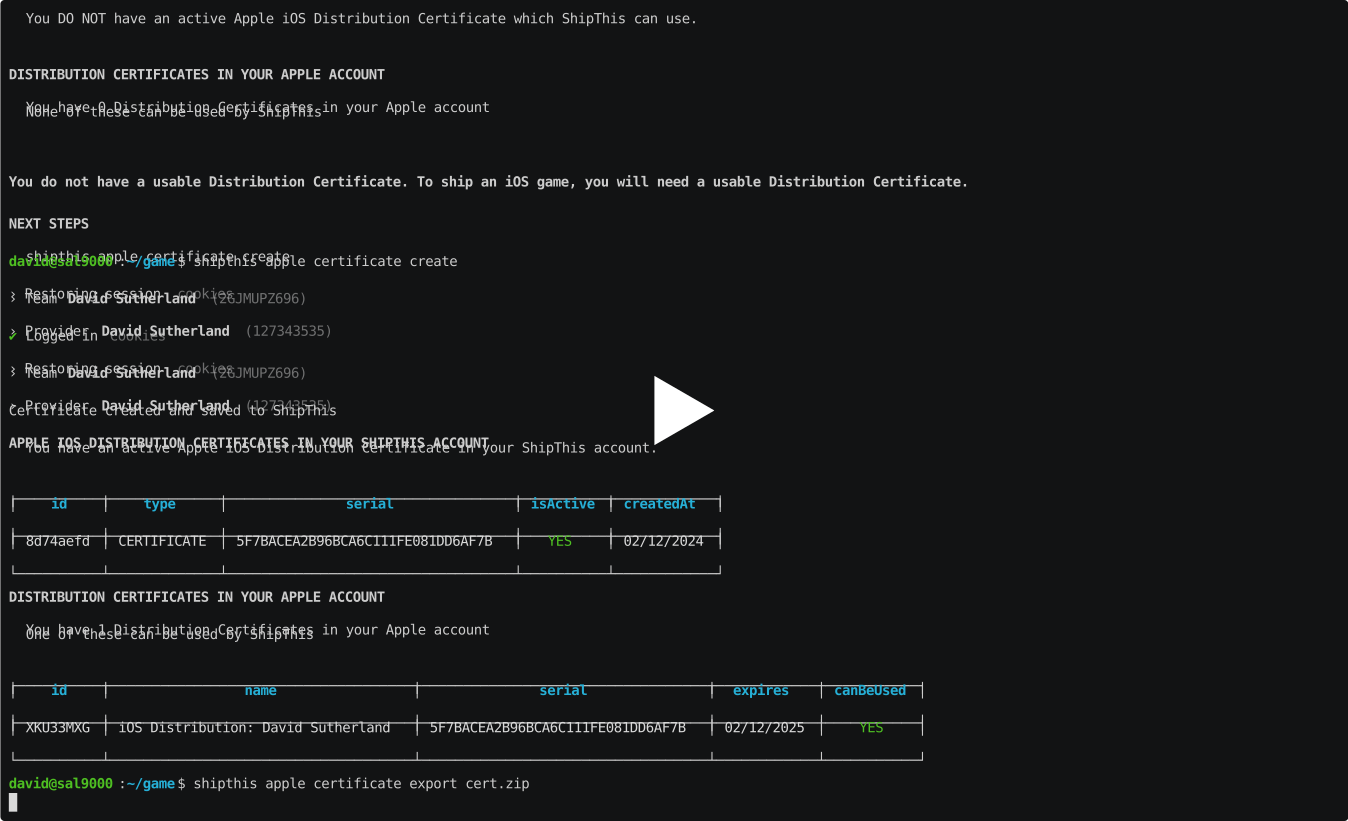
Example​

asciicast

Commands​

apple certificate create​

Description​

Creates an iOS Distribution Certificate in your Apple Developer account. Saves the certificate with the private key to your ShipThis account

Help Output​

USAGE
$ shipthis apple certificate create [-f] [-q]
FLAGS
-f, --force
-q, --quiet Avoid output except for interactions and errors
DESCRIPTION
Creates an iOS Distribution Certificate in your Apple Developer account.
Saves the certificate with the private key to your ShipThis account
EXAMPLES
$ shipthis apple certificate create
$ shipthis apple certificate create --force

apple certificate delete​

Description​

Delete an iOS Distribution Certificate from ShipThis and optionally from Apple

Help Output​

USAGE
$ shipthis apple certificate delete [-i] [-y] [-a]
FLAGS
-a, --revokeInApple Also revoke the Certificate in Apple (cannot be undone)
-i, --immediate Remove from storage immediately (rather than waiting for automatic cleanup - cannot be undone)
-y, --iAmSure I am sure I want to do this - do not prompt me
DESCRIPTION
Delete an iOS Distribution Certificate from ShipThis and optionally from Apple
EXAMPLES
$ shipthis apple certificate delete
$ shipthis apple certificate delete --immediate --revokeInApple --iAmSure

apple certificate export​

Description​

Saves the current Apple Distribution Certificate to a ZIP file.

Help Output​

USAGE
$ shipthis apple certificate export FILE [-f]
ARGUMENTS
FILE Name of the ZIP file to create
FLAGS
-f, --force Overwrite the file if it already exists
DESCRIPTION
Saves the current Apple Distribution Certificate to a ZIP file.
EXAMPLES
$ shipthis apple certificate export userCert.zip

apple certificate import​

Description​

Imports an iOS Distribution Certificate to your ShipThis account

Help Output​

USAGE
$ shipthis apple certificate import FILE [-f]
ARGUMENTS
FILE Name of the ZIP file to import (must be in the same format as the export)
FLAGS
-f, --force
DESCRIPTION
Imports an iOS Distribution Certificate to your ShipThis account
EXAMPLES
$ shipthis apple certificate import userCert.zip

apple certificate show​

Description​

Shows expanded details (expiry) for an iOS Distribution Certificate in your ShipThis account.

Help Output​

USAGE
$ shipthis apple certificate show [ID]
ARGUMENTS
[ID] Credential ID (full or short prefix). Defaults to the active credential.
DESCRIPTION
Shows expanded details (expiry) for an iOS Distribution Certificate in your ShipThis account.
EXAMPLES
$ shipthis apple certificate show
$ shipthis apple certificate show 6ff5a864

apple certificate status​

Description​

Displays the status of the iOS Distribution certificates in your Apple and ShipThis accounts. These are used to sign all of your iOS apps.

Help Output​

USAGE
$ shipthis apple certificate status [-f]
FLAGS
-f, --noAppleAuth
DESCRIPTION
Displays the status of the iOS Distribution certificates in your Apple and ShipThis accounts.
These are used to sign all of your iOS apps.
EXAMPLES
$ shipthis apple certificate status
$ shipthis apple certificate status --noAppleAuth