Set up ShipThis
ShipThis is a command line tool, which is installed as a global NPM package so that you can make use of it when working in any folder.
Preqrequisites
To install an NPM package you need to have Node.js installed on your machine. If you don't have Node.js installed, you can download it from here.
We support NodeJS version 18 and above.
Installation
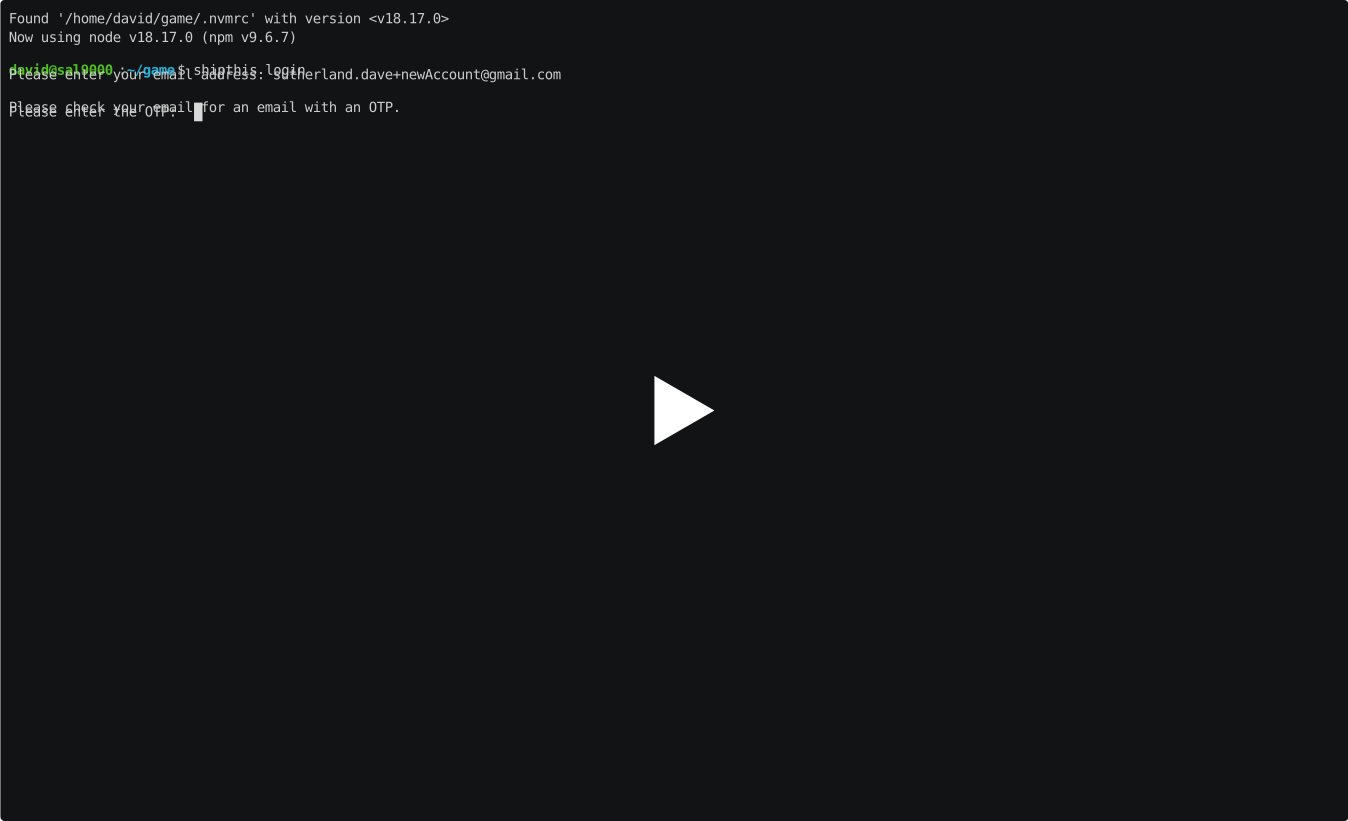
Run the following command from anywhere on your machine to install ShipThis:
This will install ShipThis globally on your machine. You can test to see it works by running:
Which should output the current version of shipthis that is installed.
david@sal9000:~/game$ shipthis --version
shipthis/0.0.8 linux-x64 node-v18.17.0
See it in action
Creating a ShipThis account
Your ShipThis account will be linked to your e-mail address. We operate a passwordless authentication system so when you login for the first we will create an account if you do no have one already.
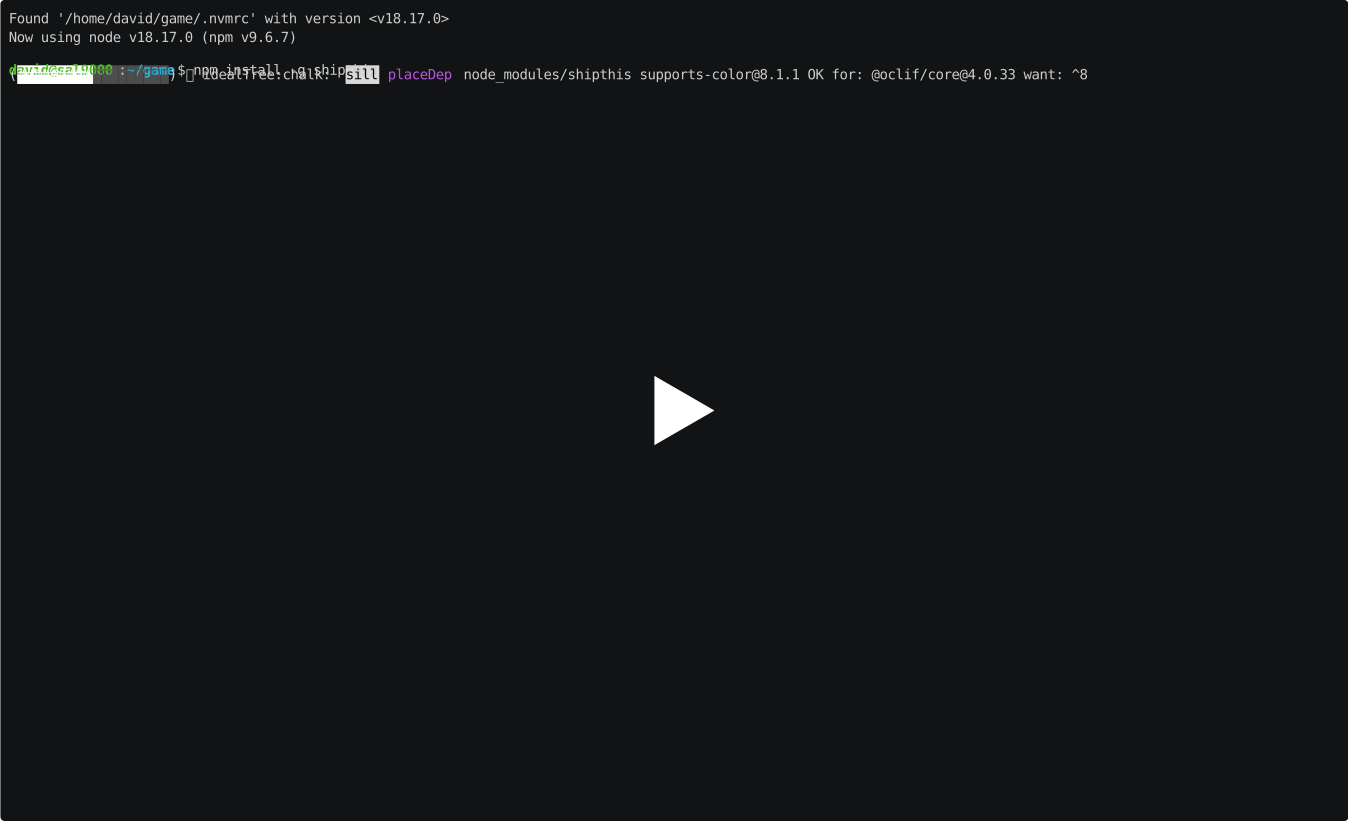
To create your ShipThis account simply login for the first time:
You will be prompted to enter your e-mail address. Once you have entered your e-mail address a login code will be e-mailed to you.
Please check your Spam if it hasn't arrived in your inbox and also add us to your contacts to ensure you receive future e-mails.
Once you have received the login code, enter it into the terminal and you will be registered. To verify you are logged in run:
It should display YES next to where it says Logged in
david@sal9000:~/game$ shipthis status STATUS Logged in YES Godot project detected YES ShipThis project configured NO Git repository detected (not required) YES
NEXT STEPS $ shipthis game wizard
Ideally, you want to run the shipthis command from within a Godot game directory.
A Godot game directory is one with a project.godot file.
See it in action