Topic: game build
Commands in the Game Build topic are prefixed shipthis game build. They relate
to managing completed builds of your game.
ShipThis allows you to list and download your builds.
tip
The game build topic relates to the files which are generated by ShipThis from
your game code. It should not be confused with the command shipthis game ship
which is for triggering a new compilation of your game.
Example
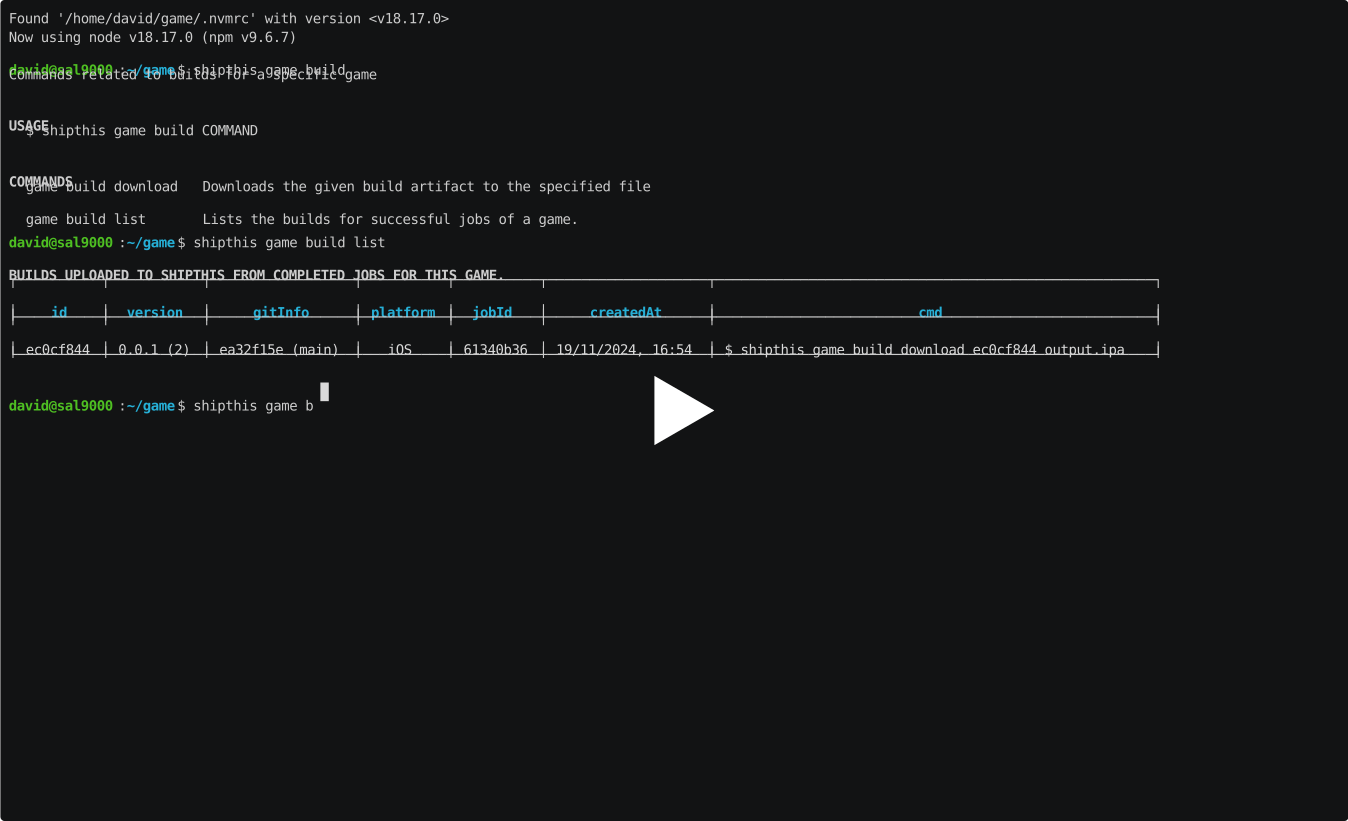
Commands
game build download
Description
Downloads the given build artifact to the specified file
Help Output
USAGE
$ shipthis game build download BUILD_ID FILE [-g <value>] [-f]
ARGUMENTS
BUILD_ID The ID of the build to download
FILE Name of the file to output
FLAGS
-f, --force Overwrite the file if it already exists
-g, --gameId=<value> The ID of the game
DESCRIPTION
Downloads the given build artifact to the specified file
EXAMPLES
$ shipthis game build download 7a3f5c92 output.ipa
$ shipthis game build download --gameId 0c179fc4 e4b9a3d7 output.apk
game build list
Description
Lists the builds for successful jobs of a game.
Help Output
USAGE
$ shipthis game build list [-g <value>] [-r asc|desc] [-o createdAt|updatedAt] [-p <value>] [-s <value>]
FLAGS
-g, --gameId=<value> The ID of the game
-o, --orderBy=<option> [default: createdAt] The field to order by
<options: createdAt|updatedAt>
-p, --pageNumber=<value> The page number to show (starts at 0)
-r, --order=<option> [default: desc] The order to sort by
<options: asc|desc>
-s, --pageSize=<value> [default: 10] The number of items to show per page
DESCRIPTION
Lists the builds for successful jobs of a game.
EXAMPLES
$ shipthis game build list
$ shipthis game build list --gameId 0c179fc4
$ shipthis game build list --gameId 0c179fc4 --pageSize 20 --pageNumber 1