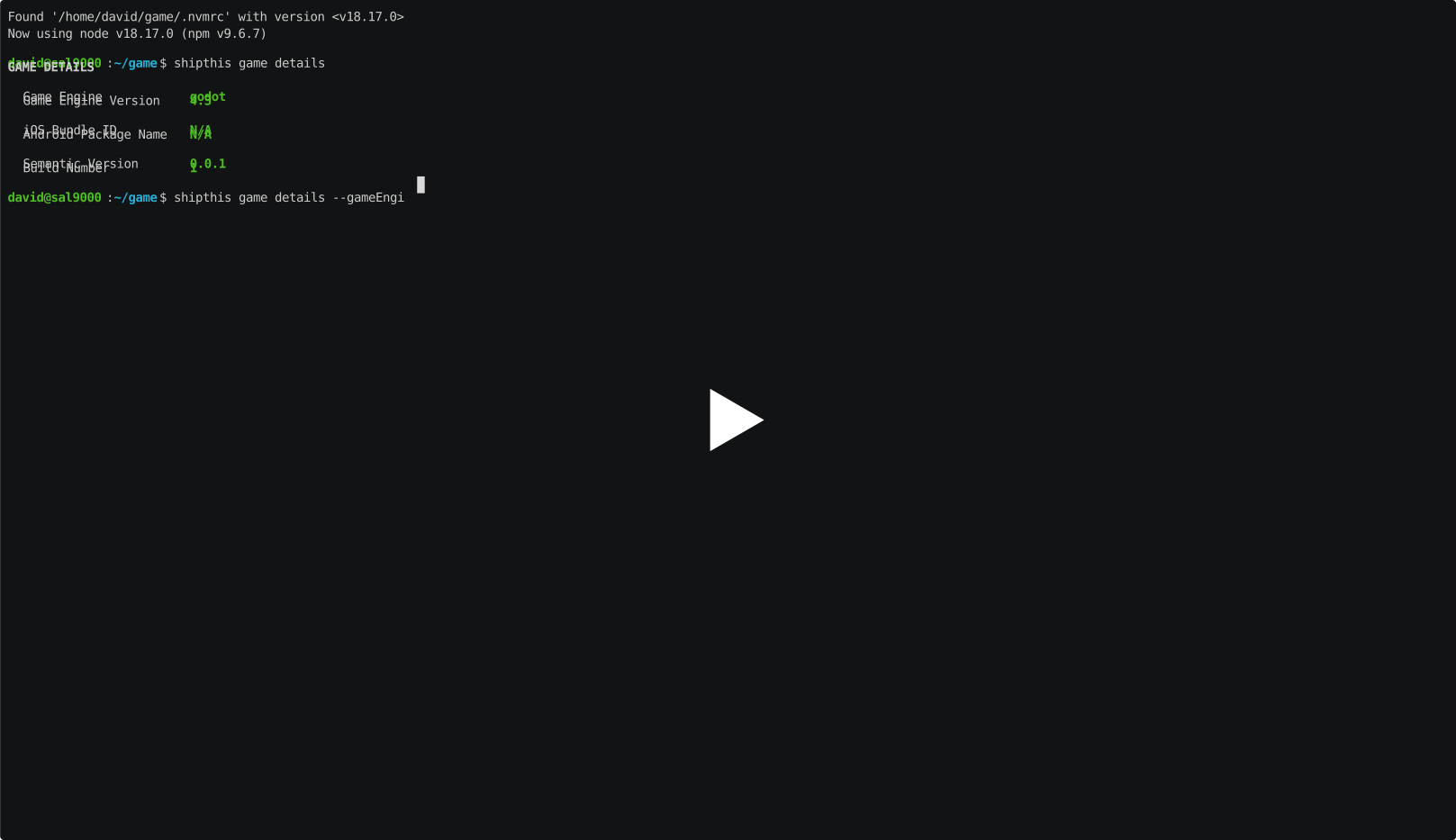
Command: game details
Description
Shows and sets the details of the current game. These details are used when your game is built on our cloud servers.
If you run the command without any flags it will show the details of the current game.
You can edit any of the values using the appropriate flag. After changing the value, it will output all the values again.
The following fields can only be changed if you have the --force flag set:
- gameEngine - Change the Game Engine (currently only "godot" is supported)
- gameEngineVersion - Change the version of the Game Engine (all stable Godot versions since 3.6 are supported, up to 4.7)
- iosBundleId - iOS Bundle ID
- androidPackageName - Android Package Name (used to sign and publish your Android builds)
After changing these values, you will need to trigger a new build of your game with shipthis game ship
Validation
The CLI checks each value before it sends it to the server. A value the build server cannot use is reported here, in a second, rather than in a failed build minutes later.
| Field | Rule |
|---|---|
| name | Not empty. 64 characters or less. |
| gameEngine | godot only. |
| gameEngineVersion | A supported Godot version, such as 4.2. You can pin a patch, such as 4.2.1. See Godot versioning. |
| semanticVersion | Three numbers, such as 1.2.3. The App Store rejects a suffix such as -beta. See versioning. |
| buildNumber | A whole number from 1 to 2100000000. The top value is the largest Google Play accepts as a versionCode. |
| androidPackageName | Two or more segments, such as com.mystudio.mygame. Each segment starts with a letter and holds letters, numbers, and underscores only. See the Android application ID rules. Use a domain you own. Google Play rejects a name that starts with com.example. at upload. |
| iosBundleId | The usual reverse-DNS form, such as com.mystudio.mygame. Letters, numbers, and hyphens only. See CFBundleIdentifier. |
| liquidGlassIconPath | A .icon folder that exists on your machine. See the Liquid Glass guide. |
The same checks run on shipthis game create, and on the
--gameEngineVersion flag of shipthis game ship.
The gcpProjectId and gcpServiceAccountId fields are not checked here.
Example