Topic: game job
Commands in the game job topic are prefixed shipthis game job. They relate to jobs for a specific game (generally in the current directory).
info
A job is a set of work done to create a new build of your game. You can create a new job by running the command:
Running the ship command will create a new job, and then automatically run the shipthis game job status command with the --follow flag set so that you can watch the build in real-time.
You can also watch and view jobs within the ShipThis Dashboard.
Example
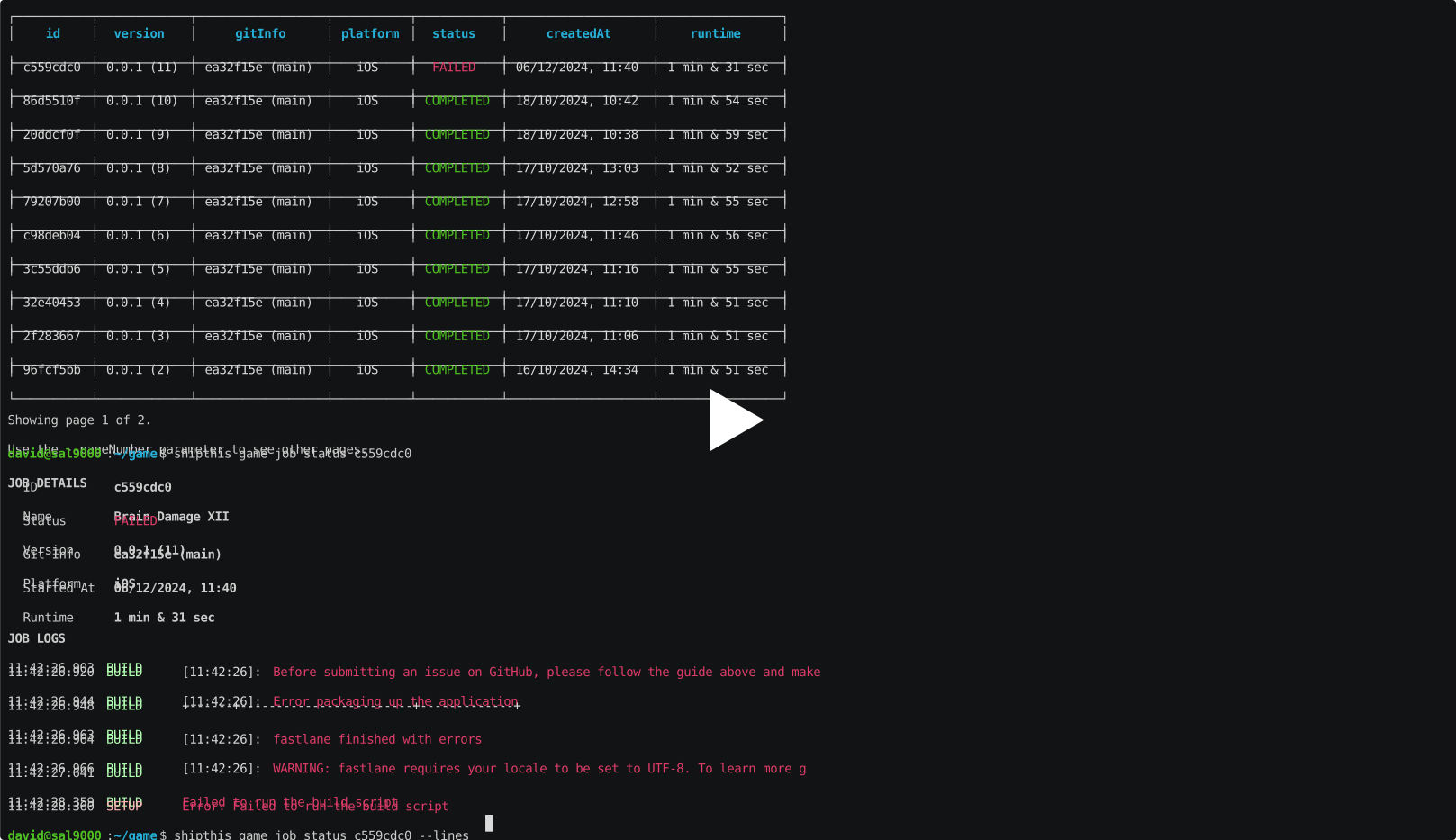
Commands
game job list
Description
Lists the jobs for a game.
Help Output
USAGE
$ shipthis game job list [-g <value>] [-r asc|desc] [-o createdAt|updatedAt] [-p <value>] [-s <value>]
FLAGS
-g, --gameId=<value> The ID of the game
-o, --orderBy=<option> [default: createdAt] The field to order by
<options: createdAt|updatedAt>
-p, --pageNumber=<value> The page number to show (starts at 0)
-r, --order=<option> [default: desc] The order to sort by
<options: asc|desc>
-s, --pageSize=<value> [default: 10] The number of items to show per page
DESCRIPTION
Lists the jobs for a game.
EXAMPLES
$ shipthis game job list
$ shipthis game job list --gameId 0c179fc4
game job logs
Description
Downloads the full plain-text logs for a job and writes them to stdout.
Help Output
USAGE
$ shipthis game job logs JOB_ID [-g <value>]
ARGUMENTS
JOB_ID The id of the job to get the logs for
FLAGS
-g, --gameId=<value> The ID of the game
DESCRIPTION
Downloads the full plain-text logs for a job and writes them to stdout.
EXAMPLES
$ shipthis game job logs 4d32239e
$ shipthis game job logs 4d32239e > job.log
$ shipthis game job logs 4d32239e | grep -i error
$ shipthis game job logs --gameId 0c179fc4 4d32239e | less
game job status
Description
Shows the real-time status of a job.
Help Output
USAGE
$ shipthis game job status JOB_ID [-g <value>] [-f] [-n <value>]
ARGUMENTS
JOB_ID The id of the job to get the status of
FLAGS
-f, --follow Follow the log in real-time
-g, --gameId=<value> The ID of the game
-n, --lines=<value> [default: 10] The number of lines to show
DESCRIPTION
Shows the real-time status of a job.
EXAMPLES
$ shipthis game job status 4d32239e
$ shipthis game job status --gameId 0c179fc4 4d32239e
$ shipthis game job status --gameId 0c179fc4 --lines 20 --follow 4d32239e